Audio Transcription in ZeroDesk
Turn uploaded audio into clean, searchable text automatically. ZeroDesk generates speaker-wise transcripts and lets you download them in the formats you actually need.
 Upload an Audio File

Upload audio. We'll handle the words.
Drop in any audio file and ZeroDesk automatically turns it into clean, speaker-wise, searchable text—ready to read, skim, and download.

No setup. No prompts. No replays.
Just accurate transcripts, generated the moment your audio lands in ZeroDesk.

We transcribe automatically
ZeroDesk detects speakers, structures the conversation, and creates a readable transcript in the background.
Automatic transcription, the moment you upload
Upload an audio file to ZeroDesk and your transcript starts generating instantly—right in the background. No extra steps. No switching tools. No waiting around.
While you keep working, ZeroDesk turns your audio into structured, readable text—automatically.
While you keep working, ZeroDesk turns your audio into structured, readable text—automatically.


From conversations to usable documentation—instantly.
What you get
Everything you need to read, search, and reuse your audio.
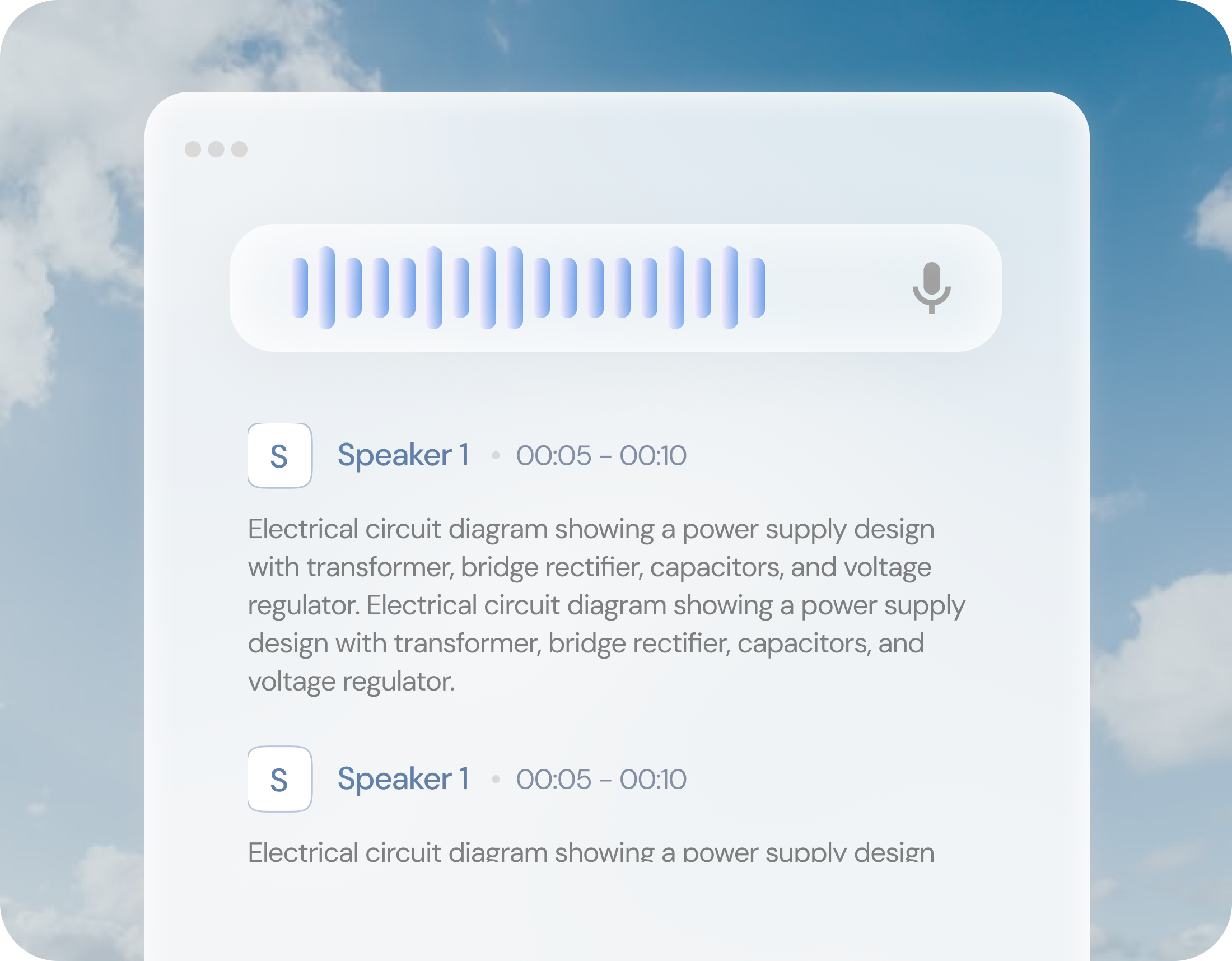
A complete transcript linked to the audio
Everything stays together, so context is never lost.
Electrical circuit diagram showing a power supply design with transformer, bridge rectifier...
Electrical circuit diagram showing a power supply design with transformer, bridge rectifier...
Electrical circuit diagram showing a power supply design with transformer, bridge rectifier...
Speaker-wise segmentation
Clearly see who said what—no manual cleanup needed.

Searchable, usable text
Find key moments, copy snippets, share insights, or store the transcript alongside the recording.
Speaker-wise transcripts that are actually usable
Most transcripts turn into a wall of text. ZeroDesk structures conversations by speaker—so the transcript stays readable, scannable, and useful.
With speaker-wise transcripts, you can:
- Skim faster without rereading entire conversations
- Quote the right person instantly with full context
- Jump to the exact moment in the audio when needed
- Share only the relevant segment, not the entire file
Supported languages
ZeroDesk automatically transcribes audio in multiple languages:
Hindi
English
French
Spanish
Tamil
More languages work seamlessly across mixed-language recordings.
Download in the right formats
Export transcripts in one click—clean, structured, and speaker-wise.

Use them for subtitles, editing workflows, documentation, compliance records, or everyday note-taking.
What this unlocks
Real workflows that become faster once audio turns into text.
Meetings & interviews
Upload recordings and instantly get
- Searchable notes
- Key quotes by speaker
- Share with your team

Content & media
Create subtitles without friction
- Export SRT / VTT files
- Edit less, publish faster

Customer calls & support
Turn conversations into structured documentation
- Searchable transcripts
- Easier follow-ups
- Faster handovers between teams

Compliance & audit trails
Maintain clear, reliable records of discussions:
- Speaker-labeled transcripts
- Exportable files
- Securely stored inside ZeroDesk

Keep the transcript with the source
Your transcript lives right next to the audio file inside ZeroDesk.
So recordings don't turn into dead data—everything stays connected, searchable, and easy to revisit.
Upload an Audio File